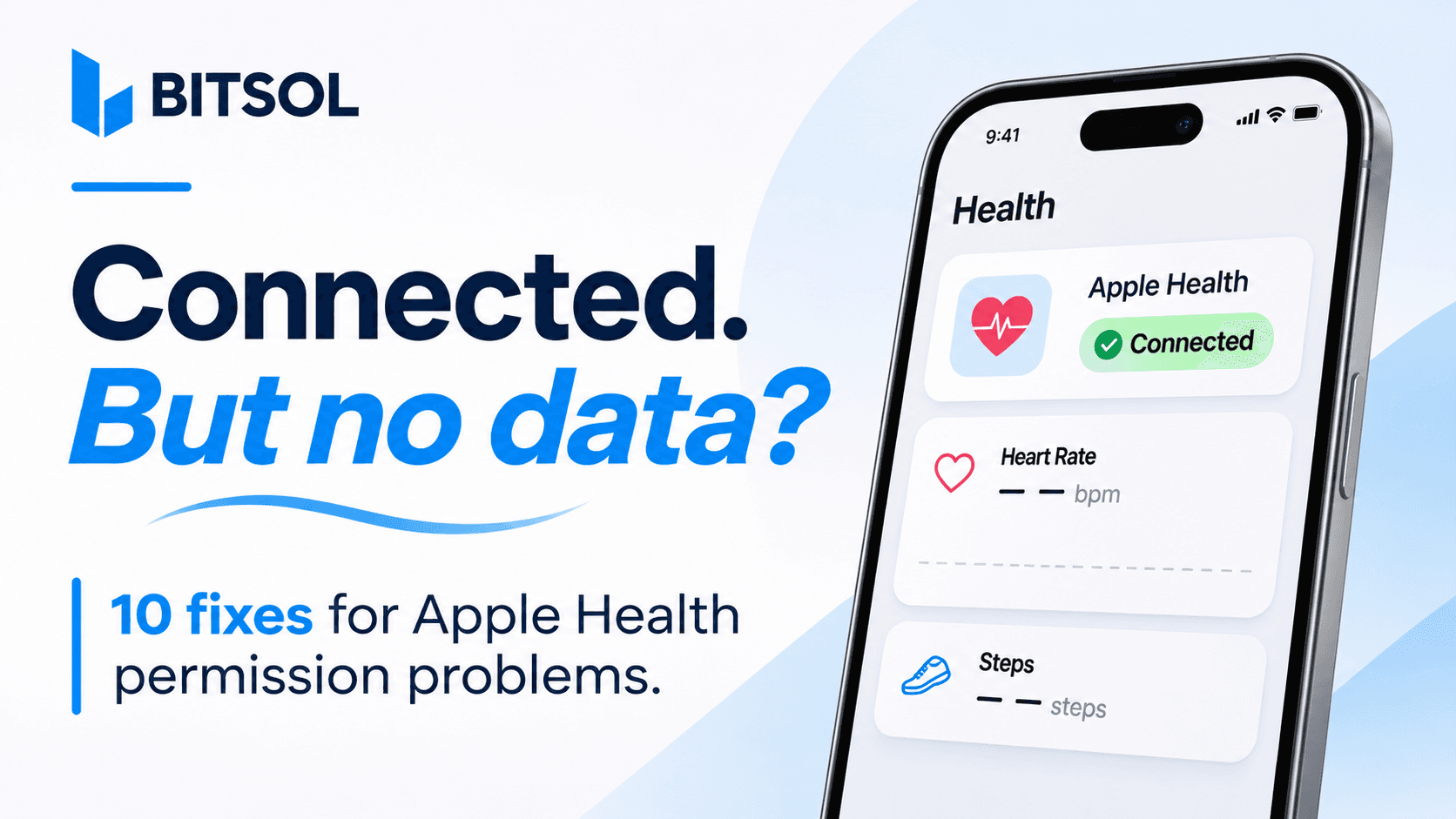
A patient taps "Connect Apple Health," turns every switch off on the permission sheet, and goes back to your HealthTech app. The app shows a green "Connected" badge. A week later they ask support why their steps and heart rate never appear, and nobody on your team can tell whether the problem is a bug, a sync job or a permission. The app cannot tell either, and that is by design.
Apple built HealthKit that way: an app never learns whether someone refused to let it read their data. In our experience, many support problems in Apple Health integrations come from code that assumes otherwise. This guide explains what your app can and cannot know about Apple Health permissions, the fixes that follow, what changes with limited history access, and the rules that apply when Health data feeds an AI feature. Platform behavior is linked to Apple's documentation, and our own recommendations and inferences are marked as ours.
Short answer: No. HealthKit never tells your app whether a person refused read access. If permission was not given, it looks as if there is no data of that type. Your app can check write permission, ask whether a request would show the permission sheet, and, from iOS 27, detect limited history access.
What you will learn
How Apple Health permissions work, and why your app cannot see whether read access was denied.
What your app can and cannot control, in one table.
Ten fixes for common permission problems, from false "Connected" badges to shared phones.
How limited history access, and the iOS 27 API that detects it, changes syncing, trends and empty states.
Apple's rules for using Health data in AI features and with third parties.
How Apple Health permissions work in a HealthTech app
Apple's guide to authorizing access to health data sets out the model. Six points matter:
Permission is per data type, and read and share are separate. "Share" is Apple's word for writing data to Health. Apple says HealthKit "requires fine-grain authorization," and you request permission to both read and share each data type.
The permission sheet appears only for new types. If you request a type the person has not decided on yet, the system shows the sheet. If they have already granted or refused all of the requested types, Apple says "HealthKit returns the request without prompting the user." Apple notes one exception: with clinical record types, people may need to reauthorize when new data is added.
Your app cannot see a read denial. Apple says "your app cannot determine whether or not a user has granted permission to read data. If you are not given permission, it simply appears as if there is no data of the requested type in the HealthKit store."
The status check covers writing only.
authorizationStatus(for:)"checks the authorization status for saving data to the HealthKit store," not for reading.Apple describes a limited window of history. After the data types, a second screen lets the person choose "either a recent limited window or their full history." Apple's documentation does not say which iOS versions show this choice. The API that reports it is labeled iOS 27 (see fix 9).
Changes happen outside your app. Apple says a person "can change the permissions for your app at any time using either the Settings or Health app."
What your app can and can't control
| Your app can | Your app can't |
|---|---|
Check whether Health data is available on the device (isHealthDataAvailable()) | Find out whether the person allowed or refused read access |
Ask whether a request would show the sheet (getRequestStatusForAuthorization) | Show the permission sheet again for types the person already decided on |
Check write permission for a type (authorizationStatus(for:)) | Change the person's Health permissions; Apple says the person changes them in Health or Settings |
| Detect limited history access when HealthKit returns an earliest date (API available from iOS 27) | Tell full read access apart from denied read access |
| Explain how to change permissions and open its own page in Settings | Rely on a documented link into Health permissions; Apple's openSettingsURLString opens your app's own settings page |
Apple documents openSettingsURLString as the URL that opens "your app's custom settings in the Settings app," not Health permissions. App Review Guideline 2.5.1 says "Apps may only use public APIs," so we recommend not relying on undocumented URLs to jump into the Health app.
Ten fixes for Apple Health permission problems
These come from the problems we see most in HealthKit integrations. Each fix starts from Apple's documented behavior.
1. Stop treating "the sheet was shown" as "access granted"
For the completion-handler version of requestAuthorization, Apple says the success value "doesn't indicate whether the user actually granted permission." An "if denied, open Settings" branch has no read status to check, because authorizationStatus(for:) reports write permission only. We recommend removing that branch, wording the state as "Apple Health set up" rather than "access granted" or a green "Connected," and using fix 4 to show whether data is arriving.
2. Ask for permission in context
Apple's Human Interface Guidelines say to "Request access to health data only when you need it," in a context that explains why. The same guideline adds that "people can change the permissions they grant, so your app needs to make a request every time it needs access." A repeat request does not prompt when every type is already decided. We recommend making the request when the person starts something that needs the data, such as tapping "Connect" or opening a Health-backed screen, and not from a background sync. In our experience, a request fired from a background job can put the sheet on top of an unrelated screen. Background reads have a second limit: Apple says the device encrypts the HealthKit store when it is locked, so "your app may not be able to read data from the store when it runs in the background."
3. Give people a way to change access
Apple's guidelines say to "Manage health data sharing solely through the system's privacy settings" and not to build in-app screens that affect the flow of health data. So the fix is guidance, not toggles. We recommend a "Manage permissions" row that gives Apple's own steps: open the Health app, tap Summary, tap your picture or initials, then below Privacy tap Apps or Devices and choose the app. Apple's support page says the person can then turn permission to write data to Health, or to read data from it, on or off.
4. Show when no data is arriving
Since the app cannot see a read denial, data is the signal. We recommend a "No recent data from Apple Health" state, with the steps from fix 3, when a sync returns nothing for types the person is likely to have. If your app also writes to Apple Health, exclude its own samples from this check, because Apple says that if an app is given share permission but not read permission, it sees "only the data that your app has written to the store." With limited history access (fix 9), apply the check only to the window your app is allowed to read.
5. Say exactly what "Disconnect" does
Apple documents changing Health permissions as something the person does in Settings or the Health app. So an in-app Disconnect can stop your app's syncing, but the Health permission stays as the person set it. We recommend that the dialog says three things plainly: syncing stops, what happens to data already synced to your servers, and how to turn off Apple Health access too.
6. Explain what happens on reconnect
On reconnect, the system will not show the sheet again for types the person already decided on. We recommend telling them that iOS will not ask again and pointing them to the steps in fix 3.
7. Check that Health data is available first
Apple says to call isHealthDataAvailable() before any other HealthKit method. It returns false on iPads running iPadOS 16 and earlier and on macOS 13 and later. Apple also notes that "devices running in an enterprise environment may restrict access to HealthKit data"; there, HealthKit methods fail with an errorHealthDataRestricted error. We recommend hiding or explaining the Connect option in both cases instead of showing a generic error.
8. Ask again when you add a new data type
When a new version reads a type the person was never asked about, the existing permission does not cover it, and calling requestAuthorization with that type shows the sheet again. getRequestStatusForAuthorization returns shouldRequest when "the application has not yet requested authorization for all the specified data types," unnecessary when it already has, and unknown if an error occurred. We recommend checking it when a new type is switched on and prompting at a natural moment, in line with fix 2.
9. Handle limited history access (iOS 27 API)
People can share only a recent window of history instead of their full history. The method that reports this, getEarliestAuthorizedSampleDate(for:completion:), is available from iOS 27. It returns the earliest date your app may read for each sample type with limited access. Types with full access, no access, or limited access with no specific date available are left out of the result, and Apple says limited authorization "is the only state your app can identify, by design." Apple also says to "Treat all data before that date as unknown" and not as an absence of data, and, for each type, to compare your intended start date with that date and "use whichever is later." We recommend updating your permission help to describe the history choice, and telling people with limited access what they are sharing, for example "recent history and new data only." Apple suggests that if your app works from partial data, you "consider informing people that granting full access improves your app's experience."
10. Protect shared phones
Apple's documentation scopes permission to the app, and we found nothing in it about accounts inside an app. The Health data itself lives on the device: Apple says "The user's device stores all HealthKit data locally." In our reading, if two people use different accounts in your app on one phone, the second account can read the same Health data the first person allowed. We recommend asking for confirmation before connecting when a different account has used Apple Health on that device.
Using Apple Health data in AI features
When Health data feeds summaries, coaching or trend detection, Apple's rules apply before any of it reaches a model:
Third-party AI needs disclosure and explicit permission. App Review Guideline 5.1.2(i) says: "You must clearly disclose where personal data will be shared with third parties, including with third-party AI, and obtain explicit permission before doing so."
Health data has its own limits. Guideline 5.1.3(i) says apps may not use or disclose to third parties data gathered in the health, fitness and medical research context, including data from HealthKit, "for advertising, marketing, or other use-based data mining purposes other than improving health management, or for the purpose of health research, and then only with permission."
Sharing is narrow even with permission. Apple's HealthKit privacy guidance says you must not disclose HealthKit information to a third party without express permission and, "Even with permission, you can only share information to a third party if they also provide a health or fitness service to the user." Apple also lets you share HealthKit data with a third party for medical research if the user consents, and bars selling HealthKit information to advertising platforms, data brokers or information resellers. We read the health or fitness service test as applying to an AI provider that receives Health data, so a general-purpose AI API may not qualify. Have counsel review that before sending Health data to one.
Don't store personal health information in iCloud. Guideline 5.1.3(ii) says apps "may not store personal health information in iCloud."
Models must cope with partial history. Apple says that if a person limits access, you should "ensure that any trends, baselines, or anomaly detections your app offers work from partial data." We recommend that an AI summary states the period it covers.
HIPAA can apply on top of Apple's rules. HHS says information collected by a HIPAA regulated entity's mobile app "generally is PHI," while the HIPAA Rules "do not protect the privacy and security of information that users voluntarily download or enter into mobile apps that are not developed or offered by or on behalf of regulated entities." HHS adds that other law, such as the FTC Act and the FTC Health Breach Notification Rule, may apply to those apps. Under 45 CFR 160.103, a vendor that creates, receives, maintains or transmits PHI on behalf of a covered entity for a function or activity HIPAA regulates is a business associate, and needs a business associate agreement. That applies to an AI vendor in the same way as to any other. (A federal court vacated a different part of this HHS guidance, on public webpages, in June 2024.) Our guide to whether HIPAA applies to your app explains how to tell. For App Store review of health apps, see our guide to getting a health app through store review.
How Bitsol approaches Apple Health integrations
Bitsol builds healthcare software only, with 50+ healthcare products shipped. We recommend designing an Apple Health integration around what the app can actually know: one clear Connect moment, a visible "no recent data" state, honest Disconnect wording and permission help that matches the current iOS version. We also recommend testing each flow on a real device with every combination of granted, denied and limited access, because each one produces a different result in the app. For the device-side security that sits around this data, see our guide to mobile security for health apps. If your team is building or fixing an Apple Health integration, see how we approach HealthTech app development or get in touch.
Conclusion
Apple designed HealthKit so that an app never learns whether a person refused to let it read their data. In our experience, apps that fight that design end up with false "Connected" badges, silent reconnects and support tickets nobody can answer. Apps that accept it ask in context, show when data is missing, explain how to change access, and plan for limited history. If your app adds AI features, the same discipline applies to what leaves the device: disclose it, get explicit permission, and make sure the model knows how much history it really has.
Frequently asked questions
Can my app tell if a user denied Apple Health read access?
No. Apple says your app cannot determine whether a user granted permission to read data; if permission was not given, it appears as if there is no data of that type. The authorization status check covers saving data only.
Why doesn't the Apple Health permission sheet appear again?
If the person has already granted or refused all of the requested types, HealthKit returns the request without prompting. The sheet appears again only for data types they have not decided on yet, and Apple notes that clinical record types may need reauthorization when new data is added.
How do users change Apple Health permissions for an app?
In the Health app, tap Summary, then your picture or initials, then below Privacy tap Apps or Devices, choose the app, and turn read or write permissions on or off. Apple says permissions can also be changed in Settings.
What is limited history access in Apple Health?
When granting access, people can choose a recent window of history instead of their full history. getEarliestAuthorizedSampleDate, available from iOS 27, returns the earliest date your app may read for types with limited access, and Apple says to treat earlier data as unknown, not missing.
Can I send Apple Health data to an AI model?
Only within Apple's rules. You must clearly disclose sharing with third-party AI and get explicit permission. HealthKit data may not be used for advertising, marketing or use-based data mining, apart from improving health management or health research with permission. A third party must also provide a health or fitness service to the user. HIPAA may apply as well if the app is offered by or on behalf of a covered entity.